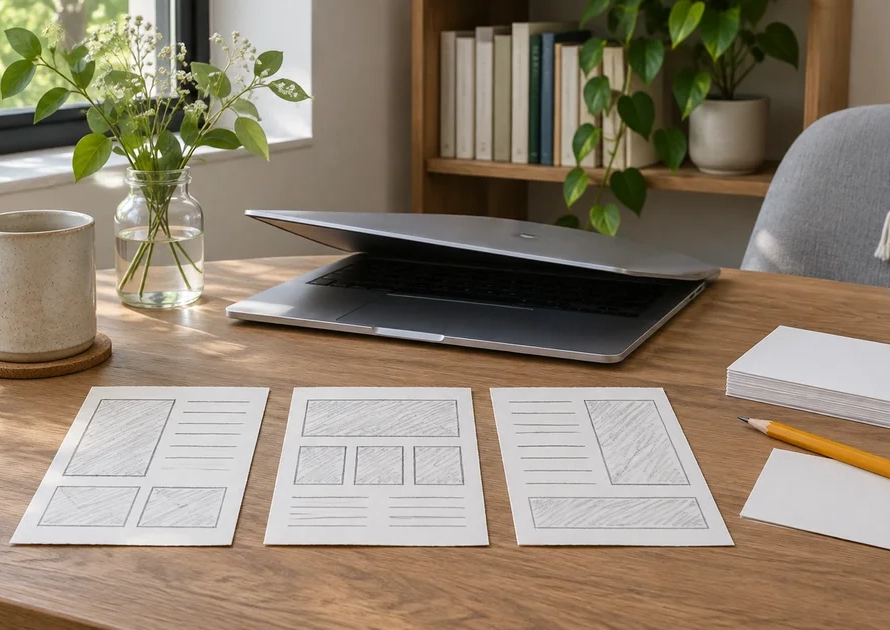
To write a digital product description, explain who the product is for, what it helps them do, what they receive, and what they need to use it. Then describe the actual access process and any important limits. Begin with verified information from the finished product, not a list of impressive-sounding promises.
This guide is for a creator selling an ebook, worksheet, or similar download. It includes an original fictional PDF example and a claim-checking method you can use before publishing. The goal is a description that lets a buyer judge fit without guessing what is inside.

Key Takeaways
- Write from the delivered files and the intended buyer’s task.
- Separate a practical benefit from an outcome you cannot guarantee.
- State formats, requirements, contents, and relevant exclusions clearly.
- Check the final description against the actual download and access process.
What facts should you collect before writing?
Open the exact version you intend to deliver. Record the title, format, number of files, page count where useful, included worksheets or examples, and the intended experience level. A creator can easily remember an earlier version containing something the current file no longer includes.
Name the task the product supports. A PDF about drawing might help someone practice observation, plan a sketch, or understand a particular technique. Those are more specific starting points than helping everyone become creative. Check that the content really supports the chosen task.
Record requirements separately: a PDF reader, particular software, a compatible device, or materials the buyer supplies. If the product includes a template link rather than a downloadable editable file, write that distinction down before drafting.
Shopify’s description guidance recommends addressing an intended customer and supporting factual claims. Use that principle without adopting every possible promotional tactic. Your own file inventory is the evidence you can inspect directly.
If the product itself is still an untested idea, our validation guide addresses that earlier stage. Description writing should not conceal uncertainty about what you plan to deliver.
How do you write an opening that identifies the buyer?
Start with the product’s practical role and the person it suits. A beginner drawing worksheet and a professional production template need different explanations. Use words the buyer already understands rather than opening with a string of broad adjectives.
Compare “A premium resource to transform your creative journey” with “Practice four small balcony sketches using a guided PDF for beginners.” The second sentence names an activity, a format, and a level. It gives a reader something concrete to evaluate.
Connect a feature to its use. Blank practice pages provide space to try the exercises; a completed example shows how one task can be approached. Explain that connection without promising a result every buyer will achieve.
Easy Digital Downloads’ writing guide covers benefits, contents, requirements, and readable structure. Choose the elements your product needs. A low-priced download can still require a crucial compatibility explanation, so price alone should not determine what you omit.
What belongs in the contents and requirements?
List the deliverables in terms the buyer can recognize after downloading. Distinguish a guide from a workbook, an editable file from a flattened PDF, and a bonus you actually include from another item shown only in a preview. Avoid counting the same component twice to make a package appear larger.
| Buyer’s question | Information to supply | What to verify |
|---|---|---|
| What arrives? | File names, formats, and quantities | Open the actual delivery package |
| What is inside? | Main sections and included resources | Compare with the contents |
| What do I need? | Software, device, or materials | Check the intended workflow |
| Can I edit it? | Editable or fixed-format status | Test the provided file |
| How do I receive it? | Configured access route | Review the buyer’s actual steps |
| What is excluded? | Relevant limits or separate purchases | Check the product and offer |
State permissions in clear terms consistent with your actual license. Do not imply that buying a guide automatically permits redistributing the file or reselling its illustrations. If the usage terms are unsettled, resolve them before writing a confident permission claim.
PayRequest’s digital-description examples make file details, access, and permitted use explicit. Treat a template as a checklist of questions, not text to copy unchanged. Unused placeholders and irrelevant headings make a finished page harder to understand.
What does a complete before-and-after rewrite look like?
Consider a fictional product created solely for this writing example: Balcony Sketching Starter. Its deliverable is one twelve-page A4 PDF. It contains a cover, an introduction, a supply page, four one-page guided studies, three blank practice pages, one completed example, and a final review checklist.
The vague first attempt
“Discover an amazing drawing system with everything you need to create beautiful sketches. This premium ebook takes your skills to the next level and gives you instant access to unlimited creativity.” None of those phrases tells the buyer what the file contains or what they must supply.
A rewrite grounded in the fictional file
“Practice drawing a small balcony with four guided studies for beginners. Balcony Sketching Starter is a twelve-page A4 PDF covering a doorway, a chair, a plant pot, and a combined balcony scene. Use the studies to compare simple shapes and plan a small composition.
“The download includes three blank practice pages, one completed example, a supply list, and a review checklist. You need a PDF reader, paper, a pencil, and an eraser. The guide is a fixed-format PDF; drawing materials, editable illustration files, and individual tuition are not included.”
Now compare the rewrite with the inventory. Four studies and three practice pages are present, and the requirements match the intended exercise. The uncertain access promise has been removed until the seller verifies its delivery setup. The result is a more informative description, not a claim that this wording has produced measured sales.
You can add your actual delivery and usage information after checking it. Do not publish this fictional product as an existing BestDigiBooks item or transfer its page count to another ebook.
How should previews, delivery, and support be explained?
Choose a representative preview rather than only a decorative cover. For a workbook, a sample exercise can show how much guidance it contains. Label any illustrative mockup clearly when it does not show the exact file. A buyer should be able to connect the preview with the contents list.
Describe what happens after payment using your configured process. Access might come through an account, a download page, or an email. Check the route and any expiry or download limits before describing it. Do not promise immediate or permanent access merely because the product is digital.
Explain the scope of support. Help locating a download differs from personalized coaching or revising a buyer’s project. Use an actual contact route and avoid promising a response time you cannot maintain. State an update policy only if you have one.
Keep the call to action specific to the item: download the guide, get the worksheet, or choose the template. The button and description should refer to the same offer. Decorative urgency or an invented scarcity claim does not answer a buyer’s practical questions.
How do you check the description before publishing?
Match each claim to something you can verify. Highlight the nouns and promises: twelve pages, editable file, beginner level, example included, access after payment. For each, name the file, setting, or process that supports it. Revise anything without a clear basis.
Ask someone unfamiliar with the product to identify the format, the intended task, and what happens next. If they cannot find an answer, improve its placement or wording. This small comprehension check is more informative than guessing whether the page sounds sufficiently persuasive.
- Compare the description with the final file version.
- Check preview images and captions against included material.
- Read the requirements and exclusions on a small screen.
- Review the actual delivery route and support information.
- Remove unsupported outcomes, unverified reviews, and leftover placeholders.
Read the opening aloud once. Replace abstract praise with a detail the buyer can use. If two paragraphs answer the same question, combine them. Keep necessary specifications even when you shorten promotional language.
The One-Person AI Business is a related BestDigiBooks title for the wider creator workflow. If you use AI to draft the copy, provide verified facts and perform this same audit afterward. A fluent sentence is not evidence that the product contains the promised feature.
Conclusion
Open one finished download and make a short inventory. Draft an opening naming its buyer and task, add the essential contents and requirements, then check every promise against the file and delivery setup. Publish the description only when the buyer can understand the actual offer.
Frequently Asked Questions
Should the product title and description use exactly the same wording?
Use a consistent product name, but give the description a different job: explaining suitability and contents. A descriptive search phrase can fit naturally where it identifies the task. Repeating the full title in every paragraph takes space away from the information a buyer needs.
Can I reuse the same structure for several products?
Yes, but recheck every fact and write each opening around the specific task. A shared section order can make a catalog easier to navigate. Reusing identical claims, page counts, requirements, or delivery promises without inspection can make individual listings inaccurate.